What's being tested. Whether a full-bleed image rendered monochrome by default — saturating to colour only on hover — splits the difference between A's quietness and B's drama. A's quiet thumb-at-start is fast to scan; B's full-colour bleed is editorial but heavy. C asks: can full-bleed work if the image stays restrained until invited?
How to evaluate. Scroll all three sections without hovering. Then pick a card in each section and hover it slowly — feel the transition. Questions to hold: (a) Does the monochrome default read as restraint or as "image broken"? (b) Is the colour reveal a "yes please" or a "too much"? (c) At 190 cards on the live archive, does this make for a calm or chaotic scroll?
The bet. Monochrome-by-default unifies a varied archive (different photographers, different decades, different colour palettes) into one editorial register. Colour reveal becomes a curiosity reward — hover to "develop" the image, like a Polaroid coming up.
A — Live on staging
slim thumb · grayscale default · saturates on hoverCurrently live. 36×36 grayscale thumbnail at the start of each card; text in a row. Image is decorative, eye lands on title. Hover saturates and zooms slightly. The "very light and effective" baseline you returned to.
B — Banked for richer surfaces
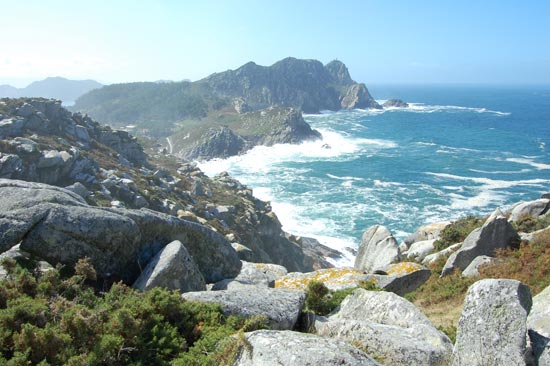
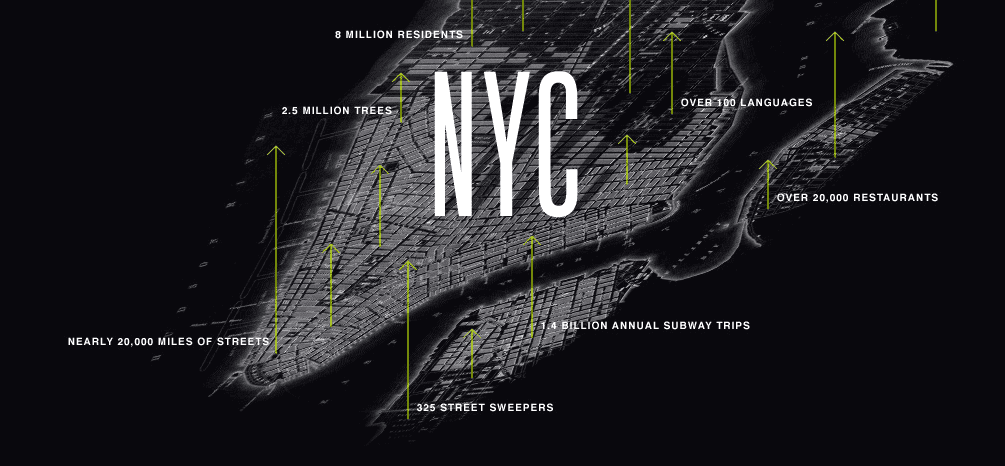
full-bleed colour · dark scrim · white textThe "lush/dark" treatment, banked but not shipped to the archive. Image fills the 96px-tall card at full colour with a dark gradient scrim holding white text legible. The drama works on a featured-strip surface but felt heavy across 190 archive cards.
C — Full-bleed monochrome → colour on hover
full-bleed grayscale · 500ms colour bloom · light scrimThe new test. Image fills the 96px card at grayscale(100%) brightness(0.78) contrast(1.05) by default — the moody-newsprint register. A lighter scrim than B (45% → 15% black) holds the white text. On hover the filter eases over 500ms back to full colour at brightness 1.0 — the image "develops" into colour. The text stays white throughout; the image is the storytelling layer.
What this tells us. C reframes the trade-off space. Where B asks "do you want drama?", C asks "do you want restraint with a reveal?". The 500ms colour transition is slow enough to feel intentional — almost cinematic — but fast enough to not feel sluggish. The grayscale default is a unifier across an archive of mixed-source images: a 1976 photo and a 2017 photo both sit at the same visual temperature.
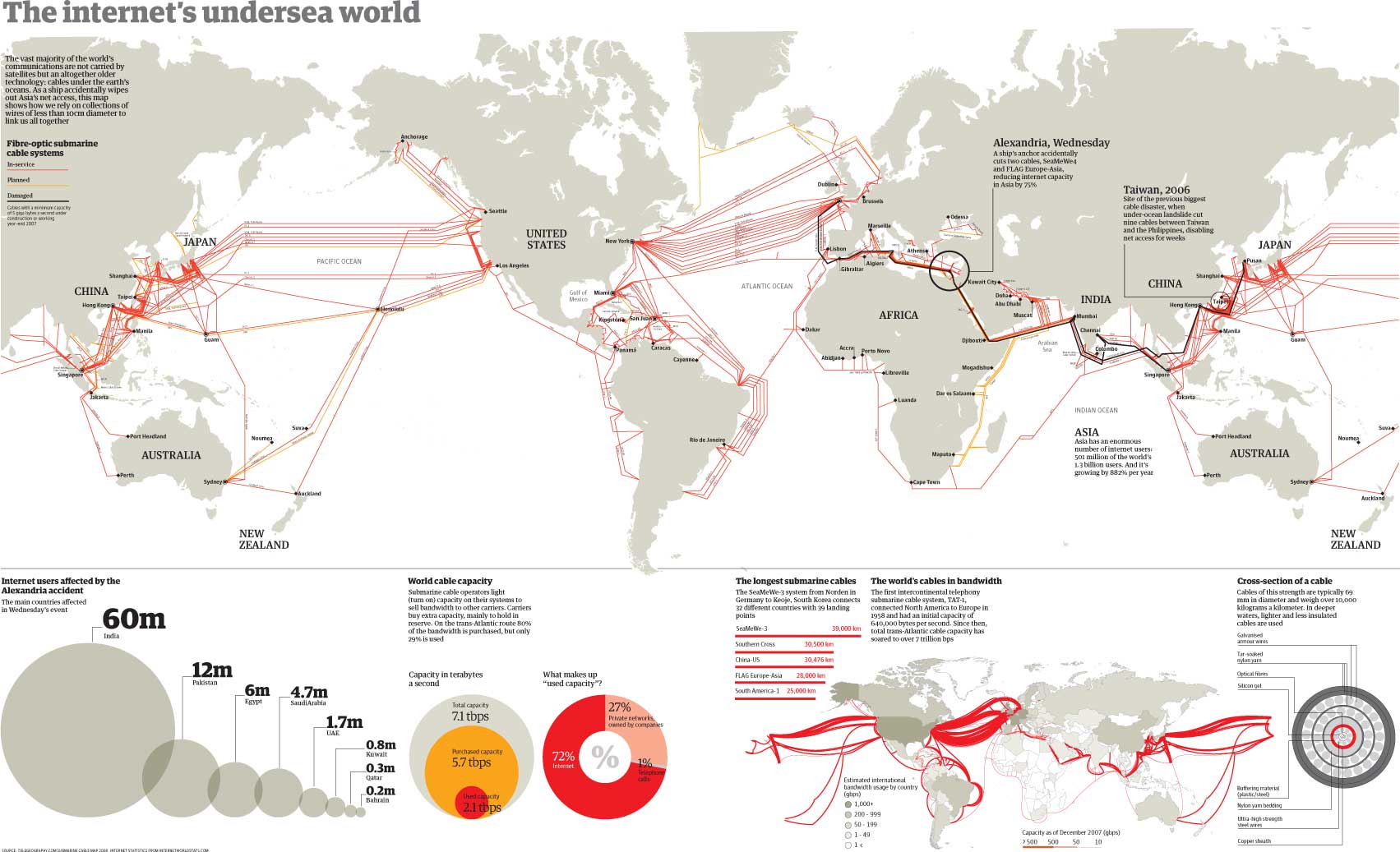
Watch items. (a) Image legibility under grayscale. Some images rely on colour for their composition (the cables-under-the-ocean data-viz uses colour to encode meaning) — they may read as ambiguous in monochrome. Stress-test on staging with the actual 190-card mix. (b) The hover-discovery affordance. Users only see colour if they hover. On touch devices there's no hover — the affordance becomes "tap to navigate" without a reveal stage. Worth deciding whether to also expose colour on `:focus` for keyboard scrubbing (already wired via tabindex="0" here). (c) Performance: 190 full-bleed images vs A's 190 36×36 thumbnails — meaningful bandwidth jump even with `loading="lazy"`. Worth a PSI run after deploy.
Recommendation. If C reads cleanly on the eyeball: extend dare_archive_thumbnails.py with --variant c mirroring B's markup but with the monochrome-default CSS. Ship to staging. Keep A in production until the staging-at-scale eyeball is in (per the lesson banked from this morning's A→B→A loop).